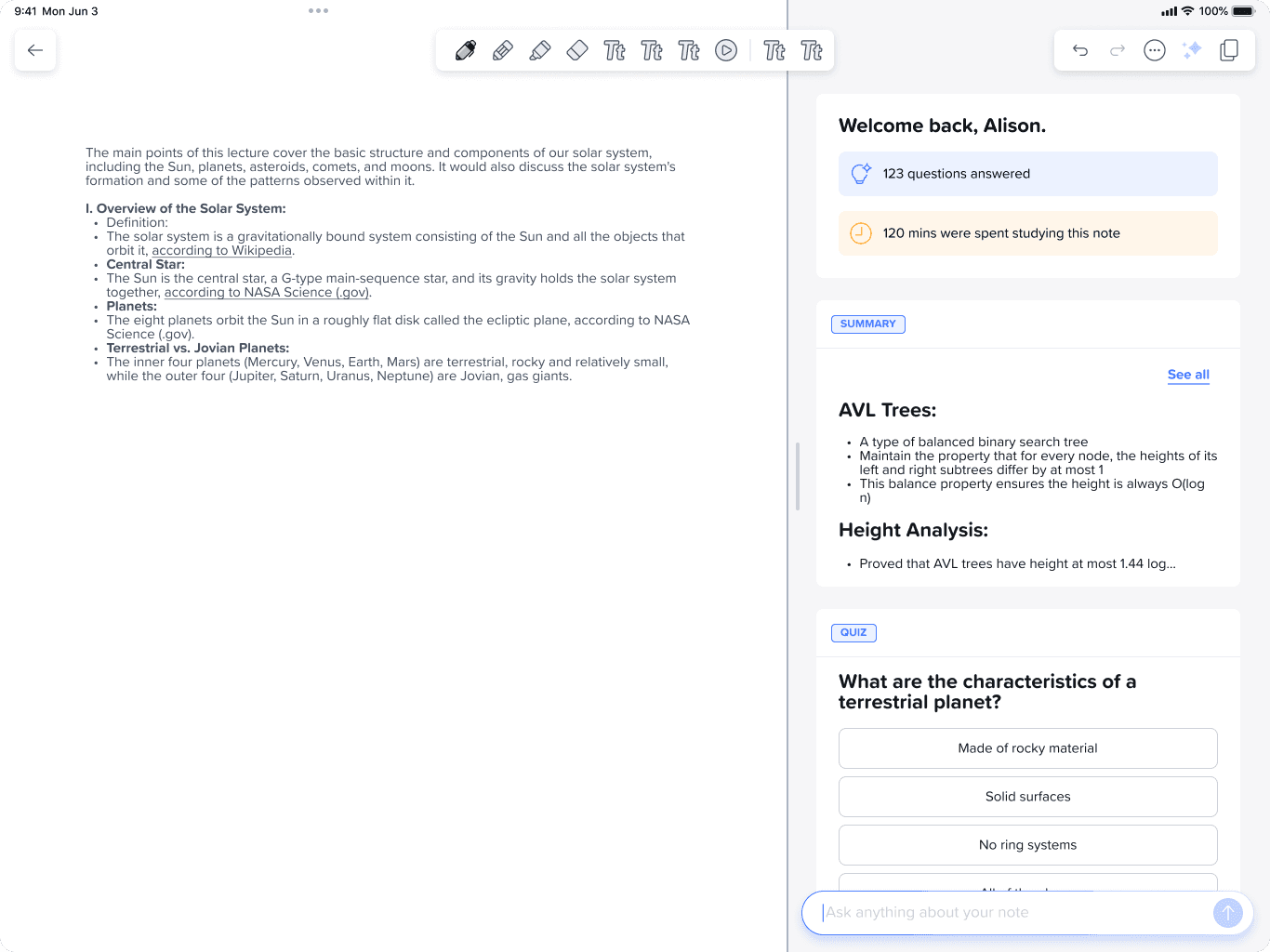
Catalog, Grades, and Enrollment

CONTEXT

Berkeleytime is a platform used by 45,000+ students at Berkeley to browse and discover courses. The site allows students to look up course statistics from previous semesters, view current enrollment trends, and average grade distributions.

ROLE

UI Designer

DURATION

September 2025 - Present

TEAM

2 Designers

1 User Researcher

5 Engineers

TOOLS

Figma

PROBLEM SPACE

Our team is currently in the process of transferring our old site onto a new beta website.

I collaborated closely with a team of engineers to make improvements to the 3 most used pages by students.


As one of two designers, I mainly focused on maintaining a clean website, but also designing new features that would improve clarity during the course enrollment process.

FINAL DESIGNS

Recently Viewed Courses

Students can now view courses they've last interacted with in previous Berkeleytime sessions.

Reserved Seating Overview

Students can now check at-a-glance which courses may have reserved seats for their major.

Grades and Enrollment Minimized View

Students can now look at a course's grade and enrollment distribution through the Catalog tab.

INITIAL OBSERVATIONS

We conducted an audit of our beta site to identify problem areas

By identifying friction points, we pinpointed where interactions felt clunky or unintuitive. This helped us move from surface-level complaints to specific design improvements grounded in user behavior.

PAIN POINTS

  1. Users need continuity

Preserving context using data from previous sessions makes the user experience feel seamless.

  1. Prioritizing ease

Users gravitate toward easily scannable interfaces where information is quickly understandable.

Key Insight: Users completing information-heavy tasks prioritize ease and functionality above all.

They value continuity across sessions and interfaces that reduce cognitive load, making information quick to scan and understand so they can focus on decisions rather than the interface.

DESIGN PROCESS

Recently Searched Feature

Students can’t revisit previously viewed courses, breaking continuity and making schedule planning feel like starting from scratch each time.

I conducted some initial research on current solutions for empty recently searched states, but ran into a major problem:

Where should the recently searched courses appear?

  1. Embedded in Search

  1. Updated in Catalog

After exploring both options, I decided to place Recently Searched within the catalog. Students can quickly revisit a class they looked at before while still seeing the broader course information around it, keeping everything in one place.


Recently searched items are often embedded in search bars that autofill with dropdown results, but our search updates the catalog cards directly. Integrating it into the catalog maintained consistency with that interaction pattern and felt more seamless within the existing design.

Made with love, ⋆˙⟡♡

Cheyenne

Contact Me